Unify payments across campus
Give any department an easy way to process payments — online or in person — with unlimited storefronts, custom form fields, and built-in reconciliation.

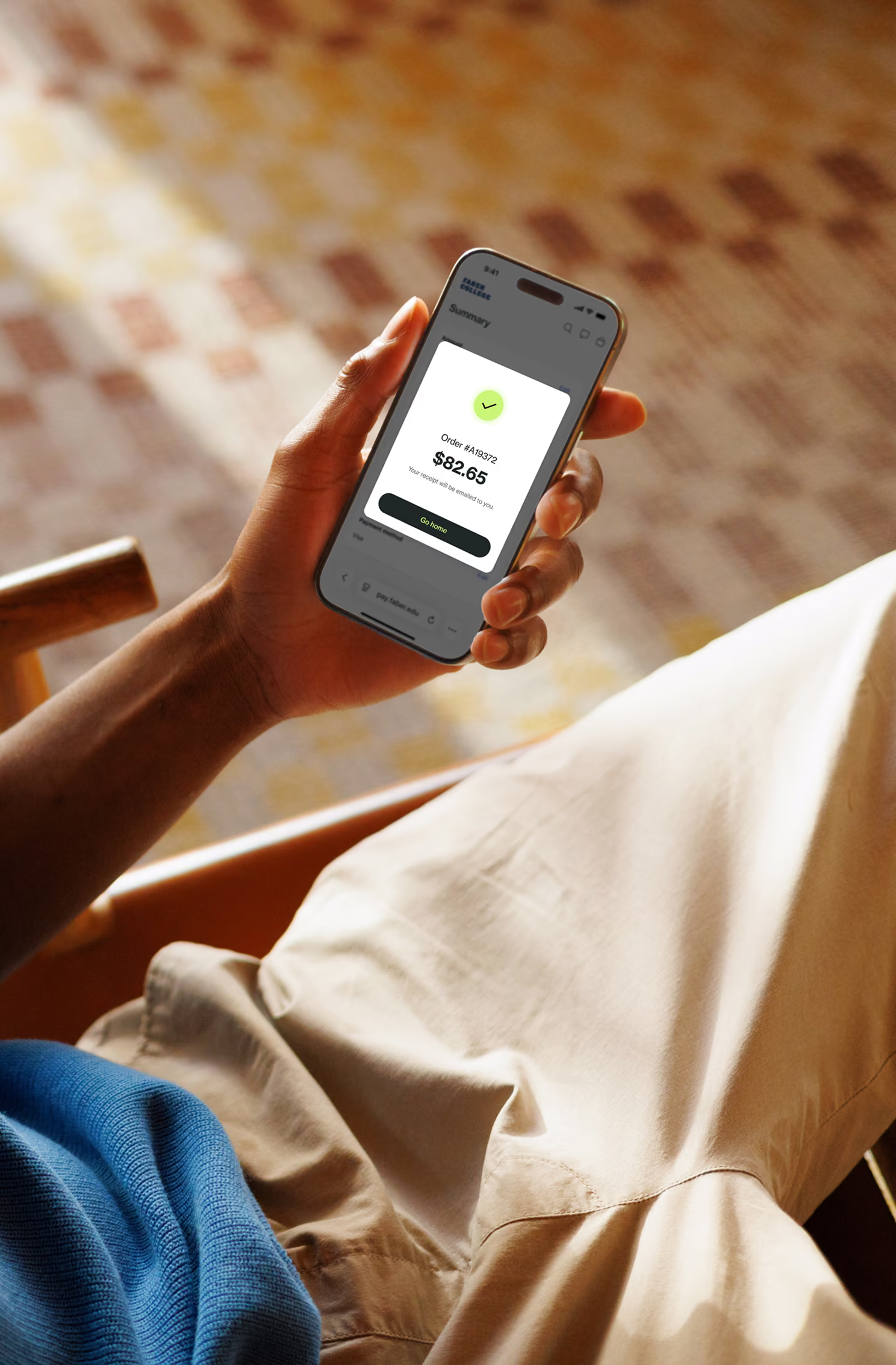



















Pay for anything, online or in person
Manage unlimited storefronts, cashiering at the counter, and every payment in one place.
Give every department its own storefront
Publish branded storefronts or send direct payment links, with custom form fields and flexible pricing on every item.

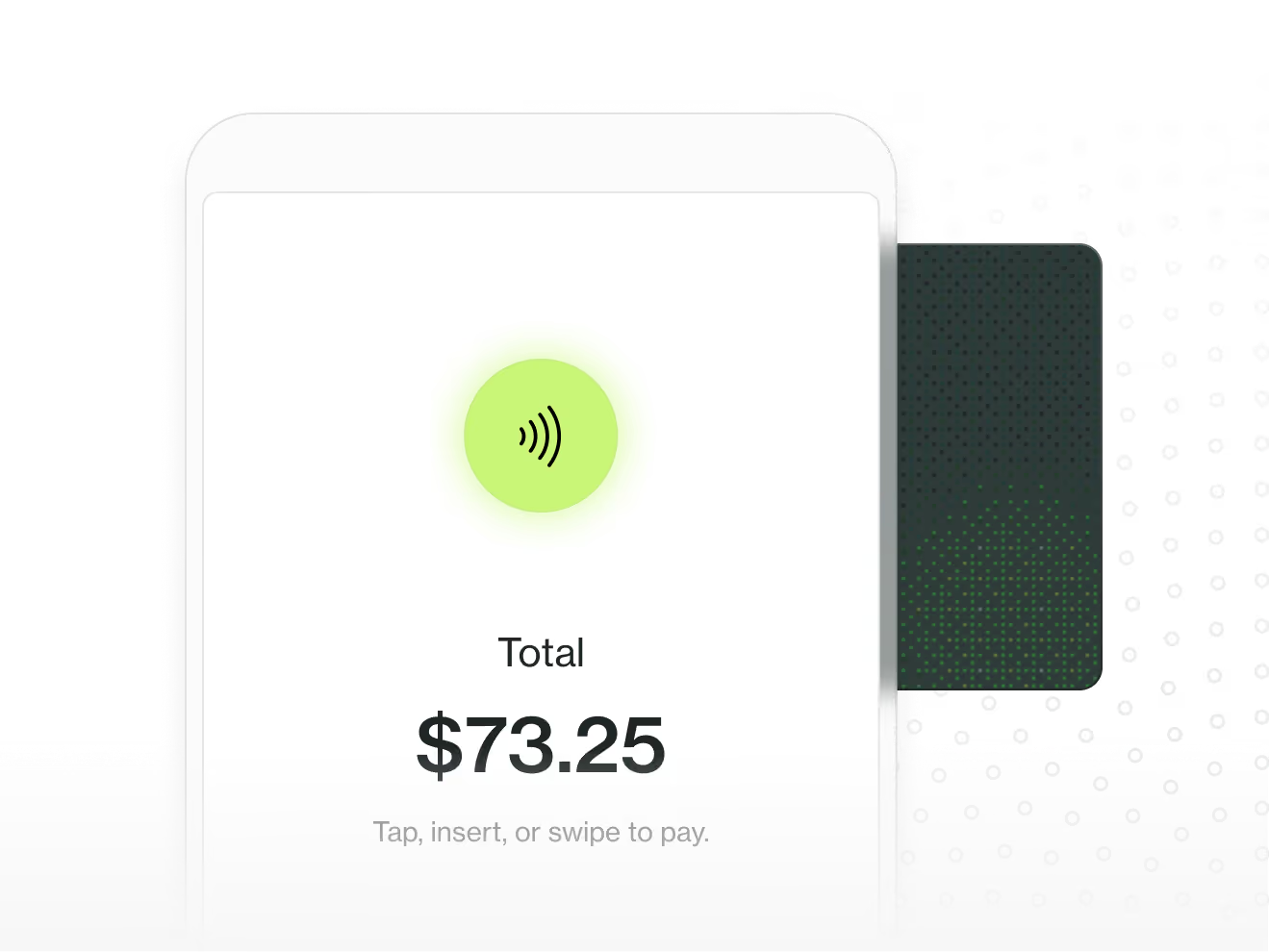
Take payments at the counter
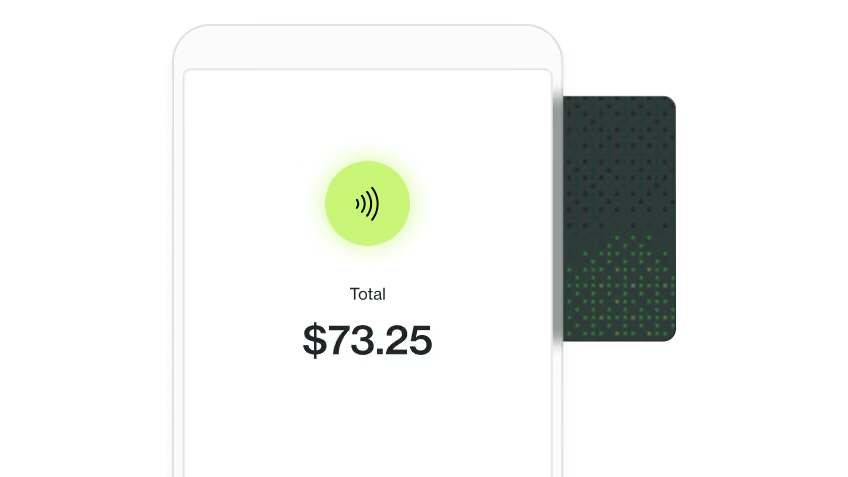
Set up a countertop or handheld payment terminal and take card, tap-to-pay, cash or check. Every session reconciles when you close it.

How it works
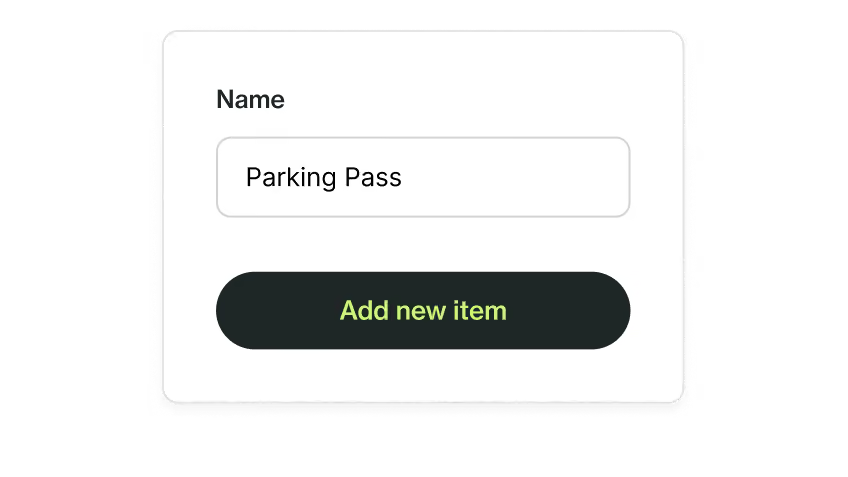
Add items
Create items in minutes: name, price, category, custom fields and pricing options. Choose whether each is available on your storefront or as a private link.
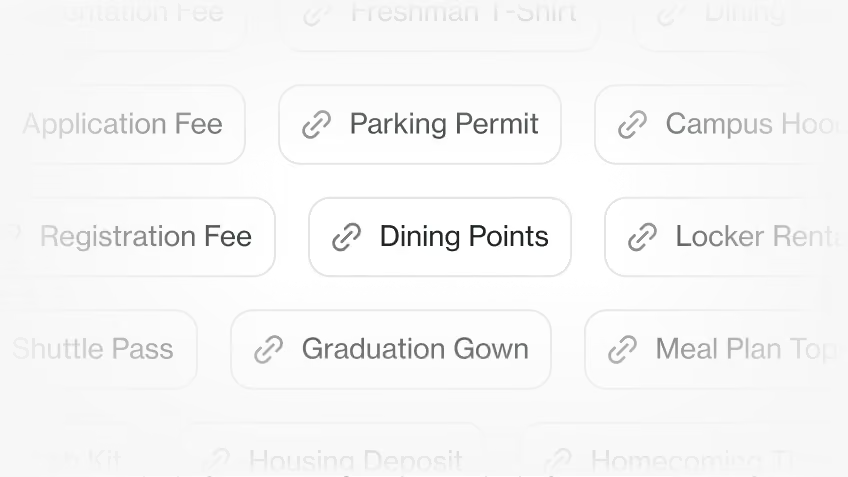
Share payment links
Publish to your storefront, or send a private link with the right charge to the right person.
Get paid and send receipts
Payers check out online in seconds, or staff start a cashiering session to take payment in person. Receipts go out automatically.
See all transactions in one place
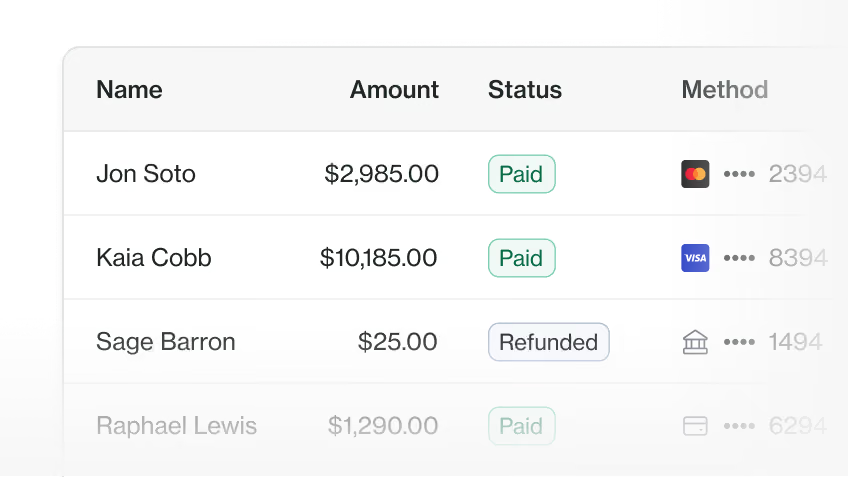
Pull payment, reconciliation, and purchase reports with every custom field answer included, and share them with the departments that need them. No manual uploads.
Security and trust engineered for higher ed
Established safeguards protect your institution’s data — and the students behind it.
SOC 2 Type II
Independently audited every year, with continuous monitoring in between
HECVAT
Pre-completed higher ed vendor assessment toolkit
PCI DSS compliant
Secure payment processing that meets the highest standard for handling card data
FERPA compliant
Protected access controls and data handling for users and agents
Give every department a way to get paid

Engage students across the full financial lifecycle



Frequently asked questions
Payments that aren't on the student bill: enrollment deposits, course and club fees, rec center memberships, parking tickets, ID replacements and graduation items.
Any department. Athletics, housing, facilities, student affairs and the business office can each run their own store or category, with their own items and links. Department staff can use Checkout without seeing student accounts.
The storefront is public, so anyone can browse it and pay. A payment link is private and goes only to the person or group who owes it, for charges that vary by student or shouldn't be listed.
By bank transfer (ACH), card, Apple Pay or Google Pay, from a phone or laptop. International students can pay in their own currency through Transfermate.
No. Anyone can pay from the storefront or a payment link as a guest, with no account needed.
No. Department staff add items, set prices and retire old ones themselves. A new item takes minutes.
Every Checkout payment is tracked in Meadow, with payment, reconciliation and purchase reports in one place. Custom email reports let you decide who sees which payments.
No. Checkout comes with Retention and Pre-collection products. If you're already a Meadow customer, contact us to add it!